.svg?fit=max&auto=format&n=mg7j3j61cBmODq_w&q=85&s=9d6b9cab54b8d7683318a9eec2df333d)
.svg?fit=max&auto=format&n=mg7j3j61cBmODq_w&q=85&s=25c26e62fec62cbde9a4e8913d45aadf)
Start from the employer dashboard
From My Jobs, click Post a new job.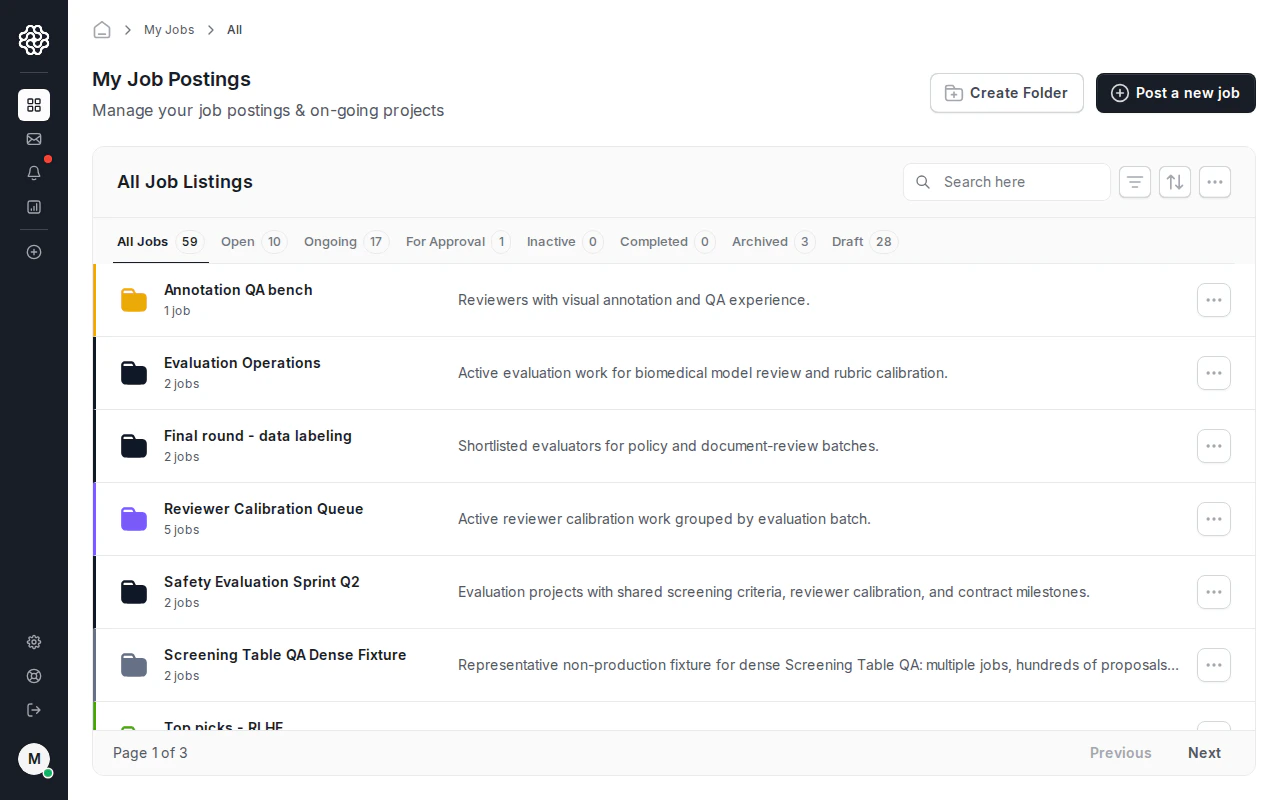
Add a title and job description
Step 1 asks for the job title. If you already have a job description, turn on Have a job description? and paste the text or attach a PDF. OpenTrain uses this content to pre-fill later wizard fields.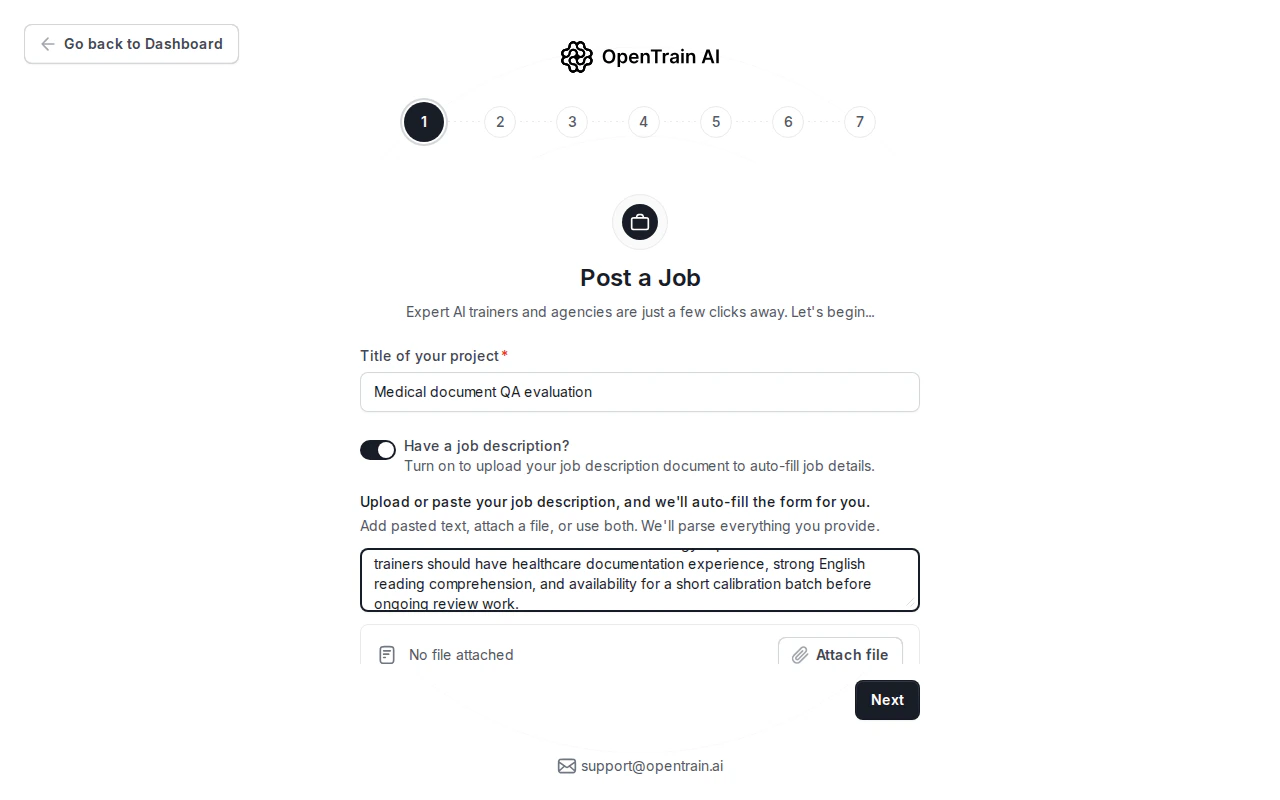
Autofill works best when your description includes the work type, data format, required experience, location or language constraints, expected volume, and budget model.
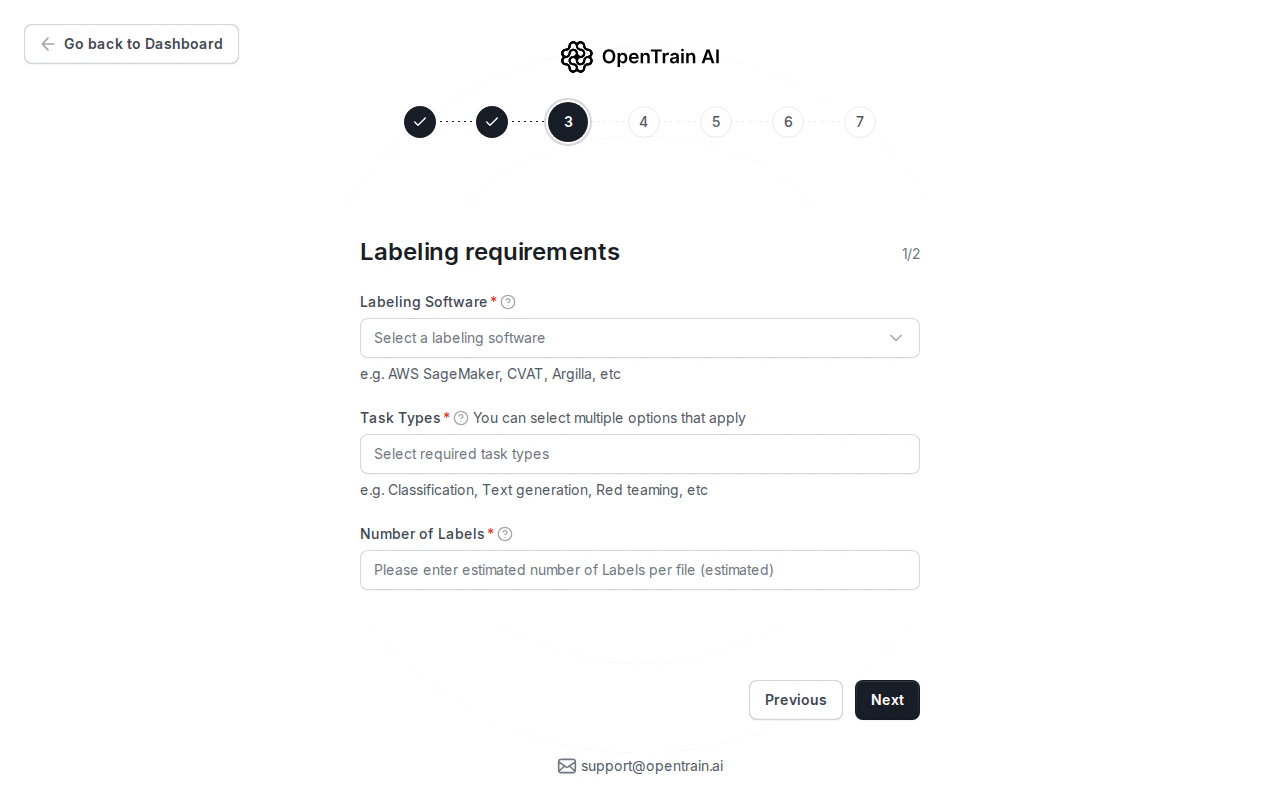
Review the structured job details
The next steps convert the job description into structured fields. Review each section before publishing.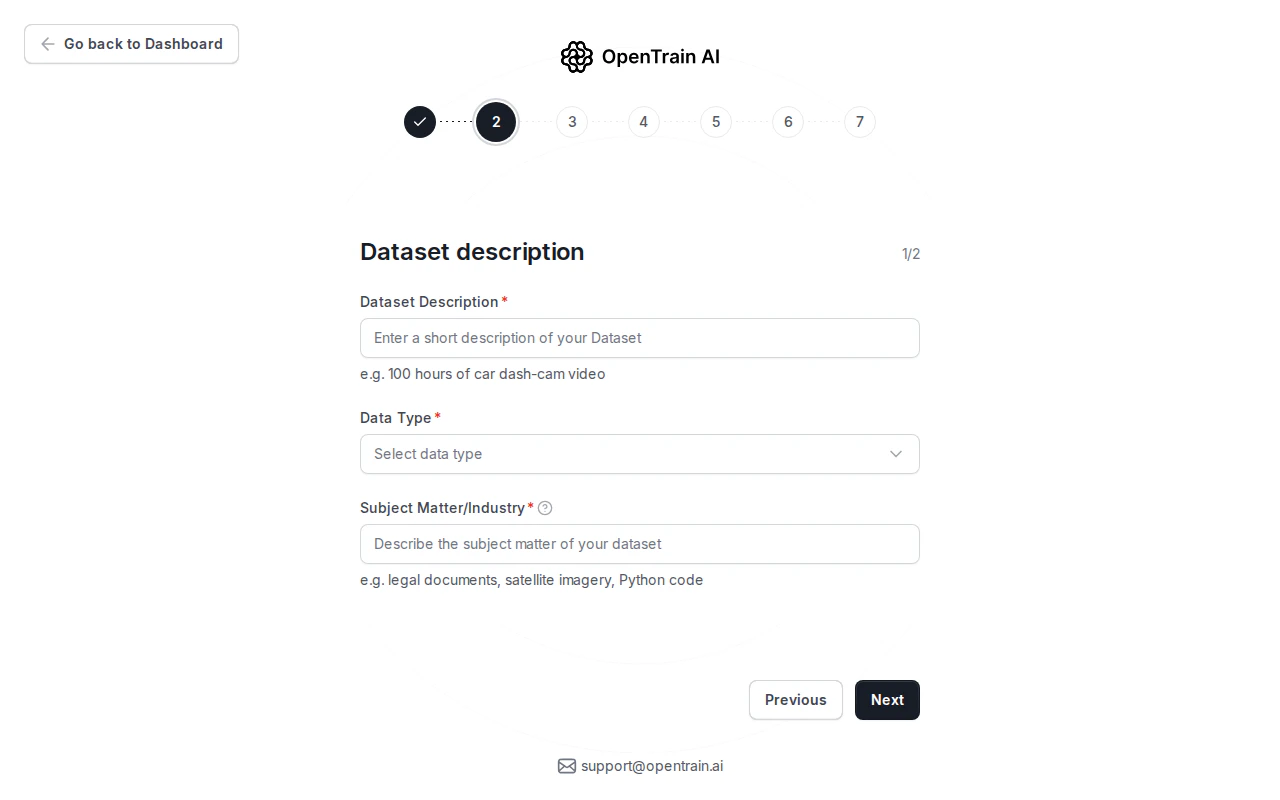
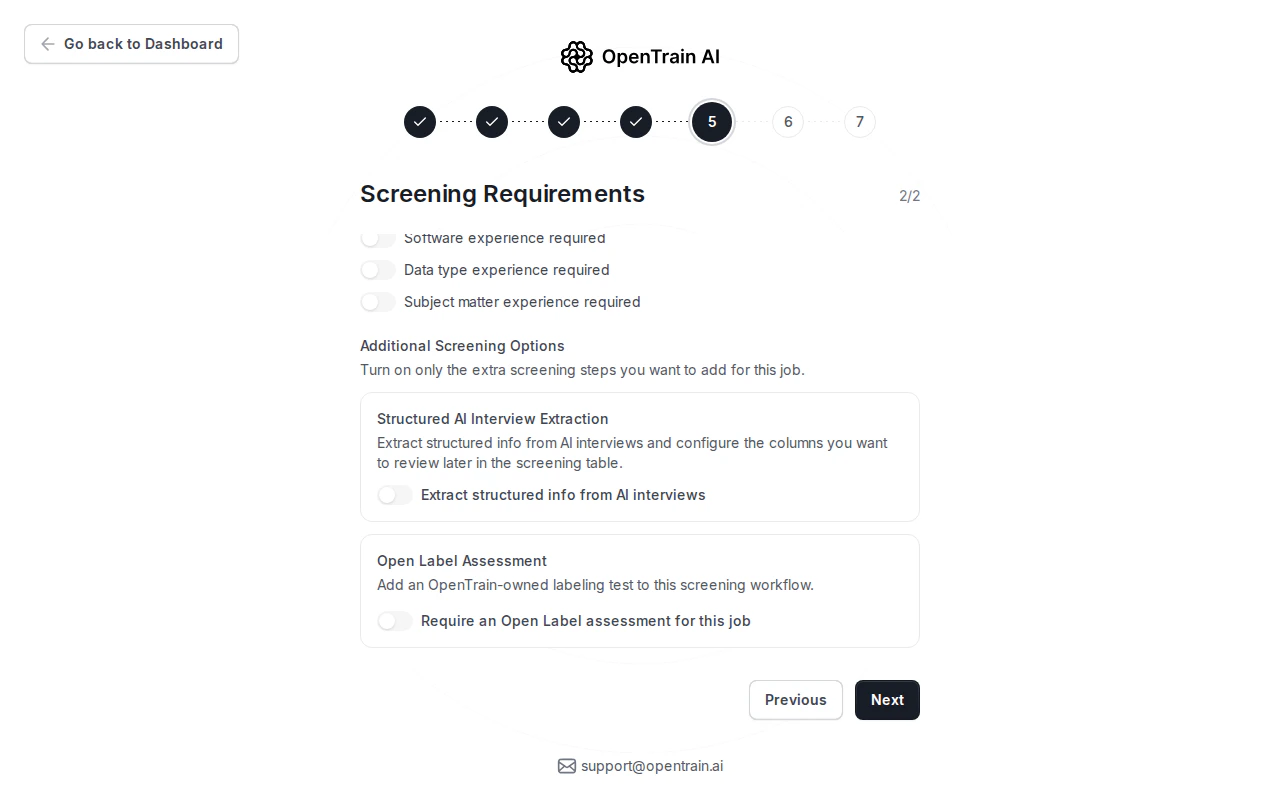
Configure screening
Step 5 controls how applicants are screened before proposals reach you. Write the AI interview requirements, choose the required experience level, and turn on the screening signals that matter for the job.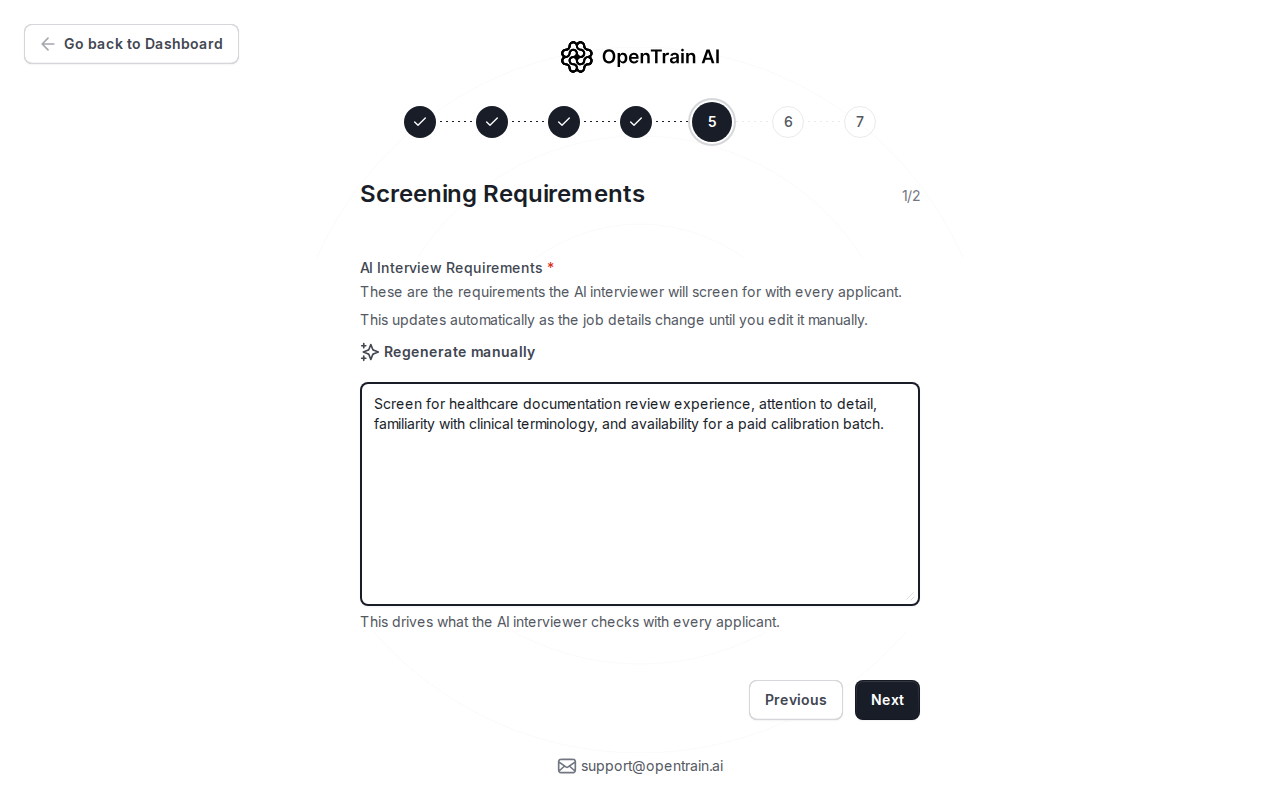
Set budget and review before publishing
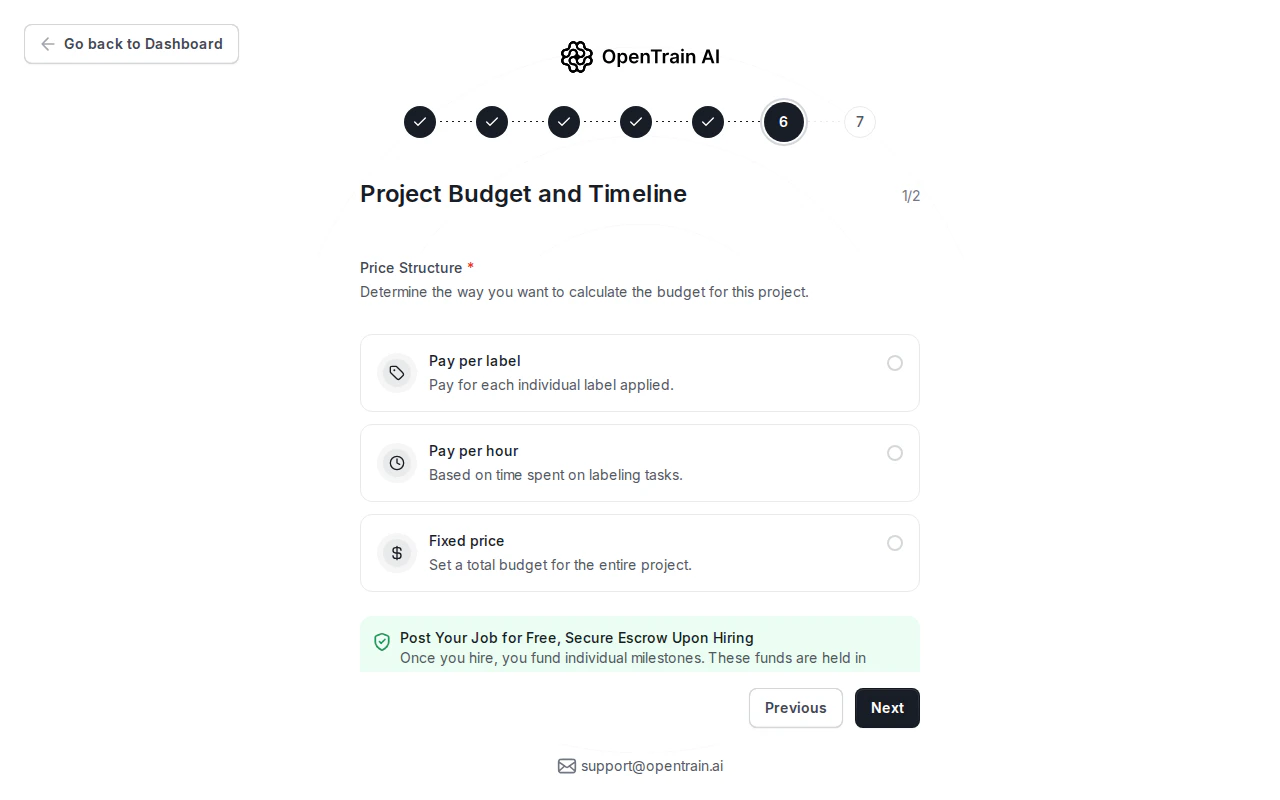
Step 6 sets the payment model. You can choose pay per label, pay per hour, or fixed price. You do not fund the project when you post; funding happens when you hire and create the first milestone.